
Why bother with Vue composables – 6 reasons to do
Why bother with Vue composables ? So it will make our lifes easier, more straightforward coding and simplified testing to say the least. Composables in Vue.js are functions that encapsulate business logic and allow it to be reused across different components. Your regular dependency inversion, composition or what ever You want to call it. Designed to make it all simple and pleasurable.

Why Use Composables?
Reusability
Composables encapsulate logic that can be reused in multiple components. One ring to rule them all. One place to change them and in a component bind them. Something like pinia store. For example, if geospatial filtering logic is needed in more than one place, a composable eliminates the need to duplicate it. Why not a service ? Check out the table below.
Main goal is to reduce complexity !
Component should be neat
Components should primarily be responsible for presentation and user interaction. Based on Extracting logic into composables makes components more readable and easier to maintain.
One component can have multiple composables.
Testability
Composables can be tested independently of components, making it easier to write unit tests for business logic.
Modularity
Unit testing is a breeze. Modular approach to managing state and logic, which is especially useful in larger applications. Isolation helps build step by step.
Best practices ?
I hate that description cause the best practices is something that works best for You. Of course if You don`t know about something better, You should learn and try it out. According to Vue.js documentation, composables are the recommended approach for managing logic that changes state over time.
Reactivity
Composables fully leverage Vue.js’s reactivity system, meaning that state changes are automatically reflected in the user interface. In contrast, services require manual state management and updates, which can lead to errors and increased complexity.

Example of Using a Composable
Below is an example of the useGeospatialFiltering composable, which manages geospatial filtering logic:
import { computed } from 'vue';
import { useEmissionsStore } from '@/store/emissions';
import { useI18n } from 'vue-i18n';
import { storeToRefs } from 'pinia';

export function useGeospatialFiltering() {
  const emissionsStore = useEmissionsStore();
  const { t } = useI18n();
  const { appliedFilters } = storeToRefs(emissionsStore);

  const viewModeOptions = computed(() => [
    { label: t('filters.viewMode.end'), value: 'end' },
    { label: t('filters.viewMode.start'), value: 'start' },
  ]);

  const granularityOptions = computed(() => [
    { label: t('filters.granularity.month'), value: 'month' },
    { label: t('filters.granularity.year'), value: 'year' },
  ]);

  function onViewModeChange(value) {
    emissionsStore.setViewMode(value);
  }

  function onClear() {
    emissionsStore.clearFilters();
  }

  return {
    appliedFilters,
    viewModeOptions,
    granularityOptions,
    onViewModeChange,
    onClear,
  };
}
Example Component Using the Composable
<template>
  <div>
    <select v-model="selectedViewMode" @change="onViewModeChange($event.target.value)">
      <option v-for="option in viewModeOptions" :key="option.value" :value="option.value">
        {{ option.label }}
      </option>
    </select>
    <button @click="onClear">Clear Filters</button>
  </div>
</template>

<script setup>
import { useGeospatialFiltering } from '@/composables/useGeospatialFiltering';

//You import only what You need, the issues is that You need to know which method to import and when to use it which does require knoweldge and manual searching but since we have "LLmemes..."
const {
  viewModeOptions,
  onViewModeChange,
  onClear
} = useGeospatialFiltering();
</script>
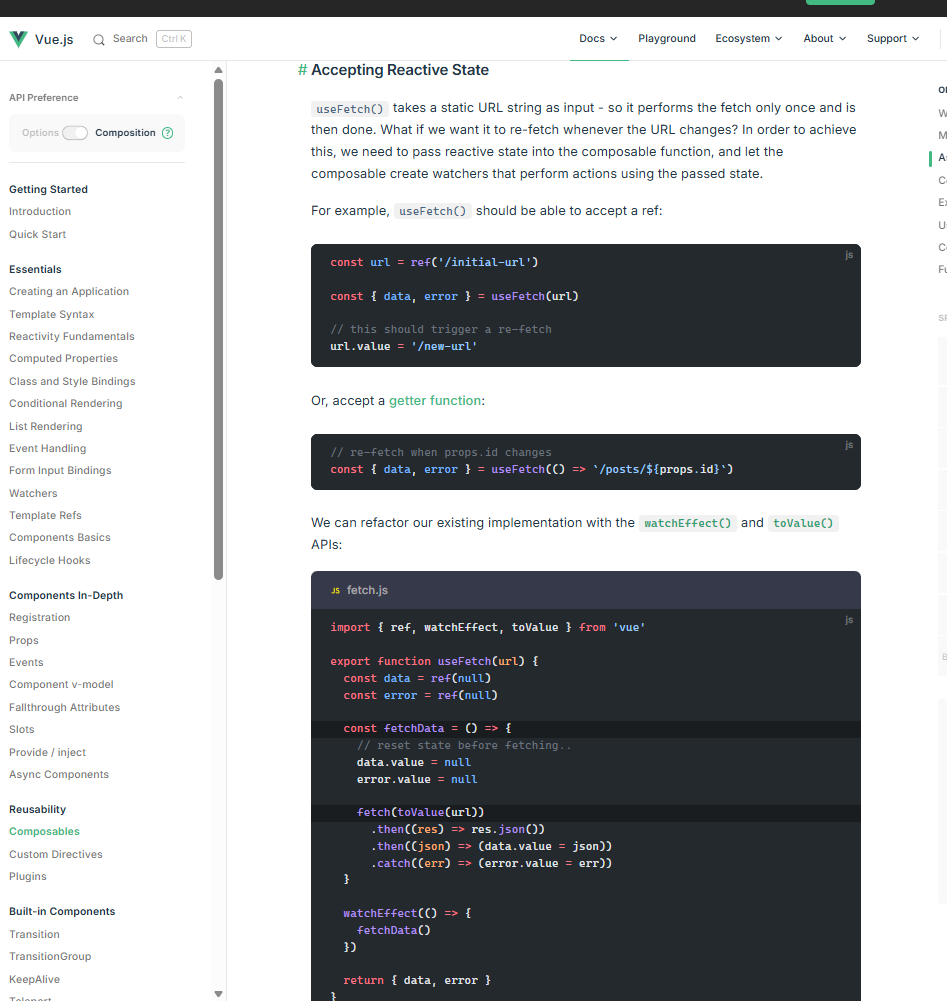
Vue js approach to logic separation
What, why and how is it better 🙂 Composables | Vue.js
| Aspect | Composable | Logic inside component | Service |
|---|---|---|---|
| Reusability | High – Can be reused across components | Low – Tied to a single component | Medium – Can be reused but may lack reactivity |
| Reactivity | Built-in | Built-in | Requires manual handling |
| Testability | High – Can be tested independently | Medium – Requires component context | Medium – Requires mocking dependencies |
| Modularity | High – Promotes separation of concerns | Low – Logic is tightly coupled to the component | Medium – Logic is centralized but not modular |
| Side Effects | Low – Each component gets its own instance | Medium – Depends on implementation | High – Shared state can lead to side effects |
| Readability | High – Clear separation of logic and UI | Low – Logic and UI are mixed | Medium – Logic is centralized but may be harder to trace |
Conclusion
I know, kinda biased post but on the other hand using composables in Vue.js is a best practice for a reason. The only quirk is to start doing it this way. Composables improve code quality, testability, and modularity while providing reactivity. While alternatives like keeping logic inside components or using services may be suitable in some cases, composables offer the most flexibility and maintainability for modern Vue applications.