Adr vs readme vs changelog
Adr, readme and changelog are the most valueable pieces of documentation that a project could? / should? maintain. They provide us with crucial, core informations we need to star and continue effective development. Let us look at them closely.
Usually we can keep everything in plain text or better yet use a Markdown format. You can even try and use some linter, highlgihts for easier writing.
ADR (Architectural Decision Record)
ADR (Architectural Decision Record): Document that holds a single, significant architectural decision. Includes the context, options that were considered, chosen solution with consequences. Serves as a traceable rationale for future reference as well as new team members.

Readme txt or ( better ) md ?
Poject oriented document providing an overview on how to setup, use, test, install and contribute to the project. It acts as a quick onboarding and operational guide for developers and users.
Changelog
Is a robust timestamped record of notable changes between releases. Typically it is a version number lists with release dates and categorizes changes such as added features, improvements, fixes, and breaking changes, helping users understand what’s new or different since the previous version
Adr vs readme vs changelog difference
Best case scenario we update it with every finished feature 🙂
| Aspect | ADR (Architecture Decision Record) | README | CHANGELOG |
|---|---|---|---|
| Main purpose | Document why a technical or architecture decision was made. | Overview of the project: what it is, installation, usage, configuration. | Log what changes over time: features, fixes, breaking changes, migrations. |
| For who ? | Developers, architects. | Users, developers, maintainers, testers | Developers, maintainers, release managers. |
| Scope | Single architectural decisions, major decisions can get its own ADR. | Hollistic overview on high abstract level | Version by version updates. |
| Content | Rationale, context, alternatives (other options), consequences, status (accepted/rejected). | Installation notes, examples, usage guide, configuration, main purpose. | Chronological list of changes – added, updated, removed etc. |
| When to update | New decision is made or we update on previous one | Any changes of working behavior, setup or usage. | Ideally every release or patch. |
| Longevity | Permanent, non mutable, never deleted, only superseded. | Evolves as the product, updated frequently. | Constantly growing tied to released version |
| Why separate ? Single responsible rule | Describes why it changed. Decisions are long term. Do not affect the user facing behaviour changes. Technical info | Designed for onboarding, usage, testing, troubleshooting. | Describes what changed and when. |
| Why maintain ? | Each product has unique architectural decisions and tradeoffs. | Readme must reflect product-specific behavior and usage. | Every product has its own release history and changes over time. |
Additionaly
- Maintain a clean README guiding developers through setup, development workflow, testing and contribution.
- Consider linking ADR entries inside the README so that readers can jump from a high level guide to detailed rationale for decisions.
Why people do not write documentation
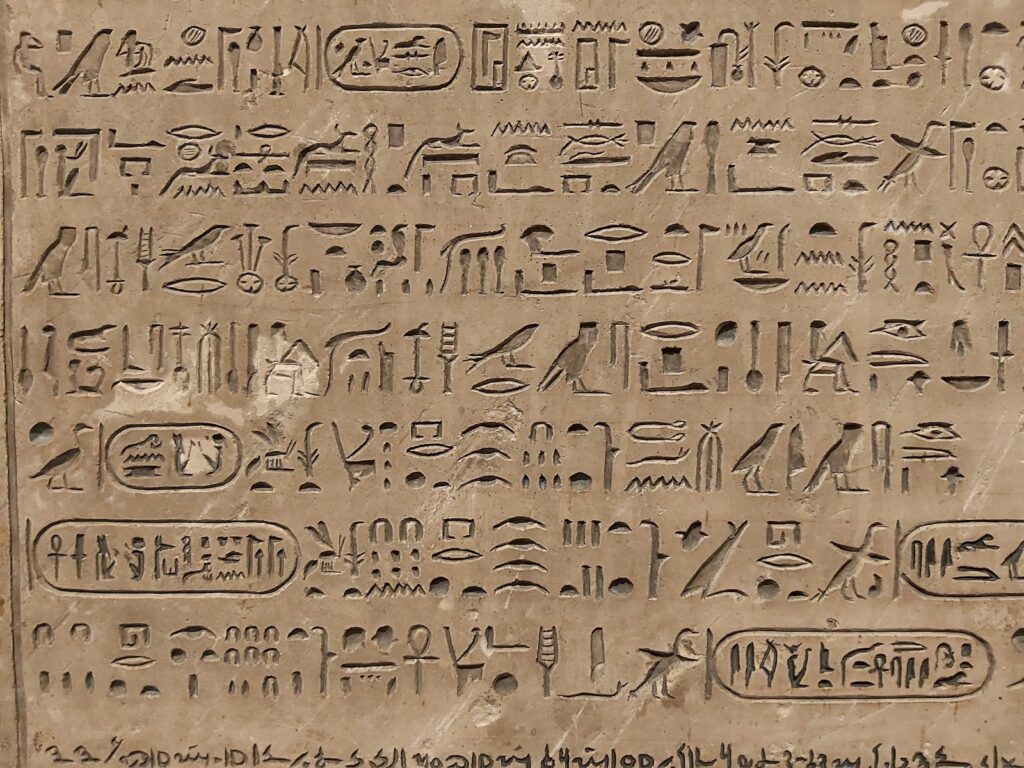
Most common sense reasons we do not write nor maintain it :
- Time pressure : Features over docs, nothing new here.
- Perception that code is self-explanatory: BUAHAHAHA My favorite…. Many developers believe the code itself (their code ) is self explanatory ( Thanks Uncle Bob, You ruined it for us ! ) 99% it will backfire as projects grows.
- Not that easy to write: “If you want me to speak for thirty minutes, it will take me a week to prepare. If you want me to speak for an hour, I am ready now. Winston Churchill“.
- Documentation outdated: Since it will be soon outdated let us skip it.
- Low perceived value: Documentation lacks feedback or recognition, boring, reducing motivation to invest time.
- Fragmented ownership: If no one is clearly responsible then it is neglected.
- Overhead and tooling friction: Can feel cumbersome if editing can require effort.
Example ADR for Firefox browser extenion using Vue JS, Typescript and Pinia
ADR: Architectural Decision Record for Firefox Extension (TypeScript + Vue + Pinia)
Context
- The goal is to maintain documentation of architectural decisions for a Firefox extension app build with TypeScript, Vue 3, and Pinia. The ADR described context, options, decision and consequences for the future
- Decisions here influence maintainability, testing, performance and scalability of the extension.
Decision
- Stack chosen: Vue 3 + TypeScript + Pinia store. Quasar library for UI, using WebExtensions (manifest v3) for Firefox integration. Cypress and Vitest used for testing.
- Build tool: Vite configured for WebExtensions producing a dist/ folder with build library for FF.
- Structure: Separate popup UI from scripts running on the web pages. Different Vue roots
- State management: Pinia stores with getters and actions, single shared store between App ( content, popup).
Consequences
- Positive
- Faster prototyping, simple UI/state testing.
- Easier to maintain and scale – modular architecture and clear boundaries between popup, content scripts, and options.
- Improved onboarding and documentation using ADR approach.
- Well documented testing frameworks
- Negative
- Requires familiarity with npm, libraries, bundler and TS configuration.
- Need to updater regularly, rapidlsy updated version
Alternatives considered
- Vanilla JavaScript without a framework. Smaller overhead, more development, harder to implement, time consuming.
- Alternative framework (React, Angular etc.) + WebExtensions adapters – steep learning curve, we already have knowledge about Vue.
- Exchange Pinia for a simple module pattern – lighter, but less scalable for growing state needs.
Implementation notes
- Manifest permissions: principle need to know basis; plan for incremental permission growth for the future
- Versioning: ADR documents changes with the code, versioned entry per notable decision.
- Documentation : every significant decision should have a corresponding ADR entry.
Example Readme for Firefox browser extenion using Vue JS, Typescript and Pinia
Purpose
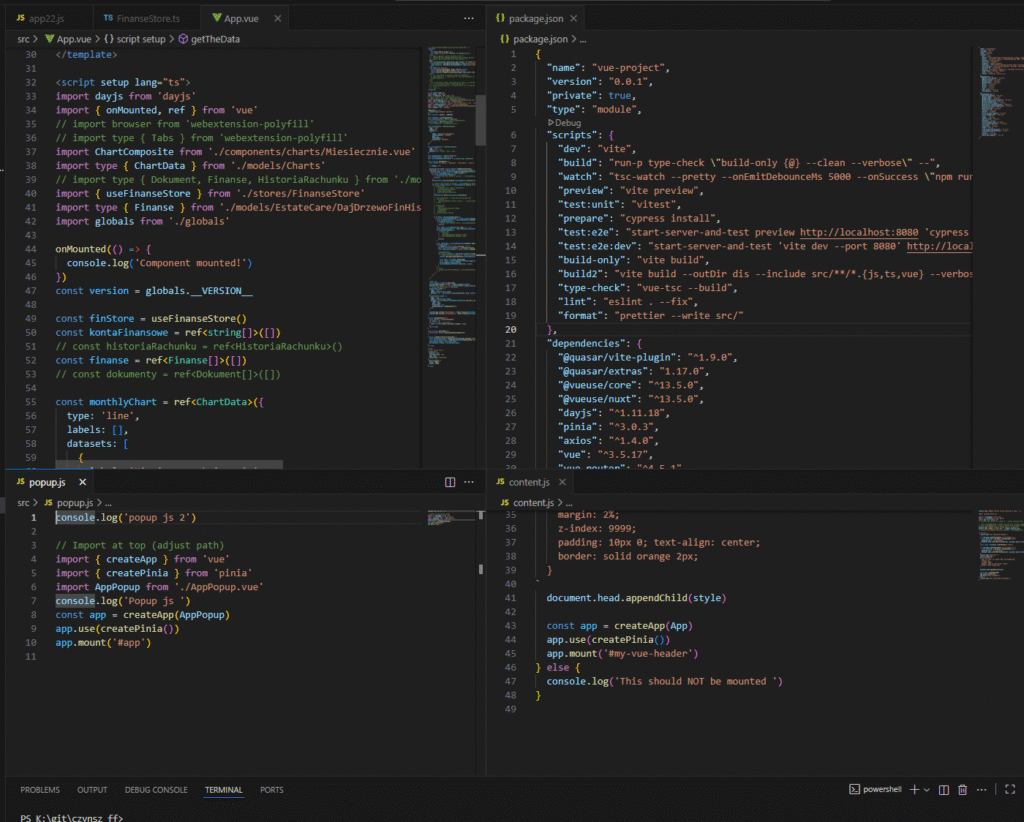
- Firefox extension UI made with Vue 3, TypeScript and Pinia. Bundler vite,npm, tests with cypress and vitest.
Requirements
- Node 24, npm
- TypeScript 5
- Vue 3 – composition api
- Pinia
- Vite configured for WebExtensions
- Firefox regular or Developer Edition for testing
Project layout (example)
- README.md
- manifest.json
- src/
- main.ts (Vue 3 bootstrap)
- store/index.ts (Pinia store)
- components/Popup.vue
- contentScripts/content.ts
- popup/
- Popup.vue
- Popup.css
- dist/ (generated after build)
Setup and run
- Installation all of dependencies required
- npm install
- Run in development mode
- npm run dev
- Run test
- npm run e2e ( cypress, using browser )
- npm run test ( unit )
- Build for distribution and debugging(to load) in browser
- npm run build
- Load into Firefox
- Open about:debugging#/runtime/this-firefox
- Click Load Temporary Add-on… and select manifest.jsonin the /dist folder.
Key files and config
- tsconfig.json:
- vite.config.ts (or webpack.config.js): WebExtensions-oriented configuration, aliasing for src/, output to dist/
- manifest.json: name, version, permissions, background, action, and popup entries
Code snippets (usage guidance)
- Popup.vue: a simple component wired to a Pinia store for user-facing controls
- store/index.ts: a small Pinia store with state, getters, and actions
- content.ts: a sample content script manipulating a page based on user settings