How to work with GitHub Copilot Limits (Without Fighting Them)
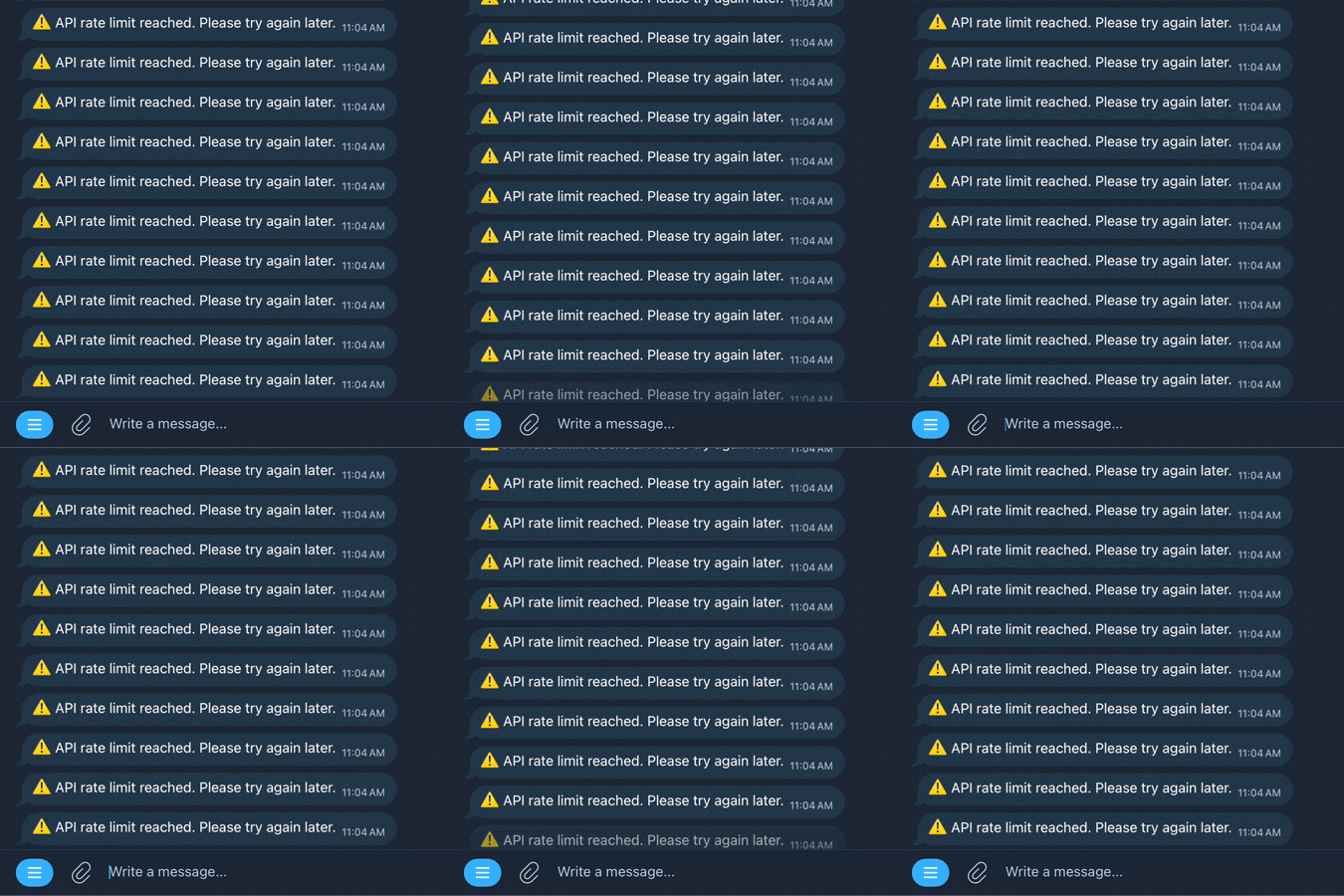
Schedule around them. GitHub Copilot is great (was better, latest updates ruined it) until you hit the quota. Then suddenly your flow breaks and it feels like someone unplugged you from the matrix. Just as you were starting to get productive and claryfing the code. Instead of treating that as a problem, I started treating it as a constraint. Nasty one, ugly one, but hey ! We did work over some worse issues.
Don’t fight the limits – schedule around them.
Remember to do everything You can to squeeze out as much as possible out of every token. In example : build proper context, descripe properly the plan, be precise, use examples and all the best practices you can think off.
Copilot quotas typically reset on a weekly cycle and since it is fixed you can use it to structure your work in a weekly schedule. For example, I have found that i should go all in and start heavy coding sessions later in the week, around Thursday. From there, I naturally ramp up usage through Friday and the weekend, usually hitting the limit somewhere around Sunday.

Just when you hit the quota you get a reset !
If I hit the quota on Sunday, I already know it’s going to reset on Monday. Picking up work on first day of the week i get full capacity. No friction, no waiting, no wasted momentum. Just a clean reset and full access when it matters most.
But next weekend You can`t code ?
Let us call id enforced breaks. When the quota runs dry, you either switch to manual coding, review mode, simple refactoring or more realistically get a life, take a break. It’s a natural checkpoint. Not exactly a productivity hack, but more of a guideline than actual rule.
If you’ve been pushing hard all weekend and Copilot cuts you off, maybe that’s a decent signal to pause, recharge, or just do something else for a bit.
It’s not a conventional “tip and trick,” but it works surprisingly well in practice. Me, myself and I are happy with that. Instead of being annoyed by limits, you align your workflow with them. You use Copilot heavily when You are most foused and can prolong the momentu. Let the downtime fall into periods where stepping back is actually useful. Additionally it is cost efficient since you not spend more just to get more limits.
How to work with GitHub Copilot Limits ? With them and around them. The limits now became a part of development rhythm rather than an obstacle.