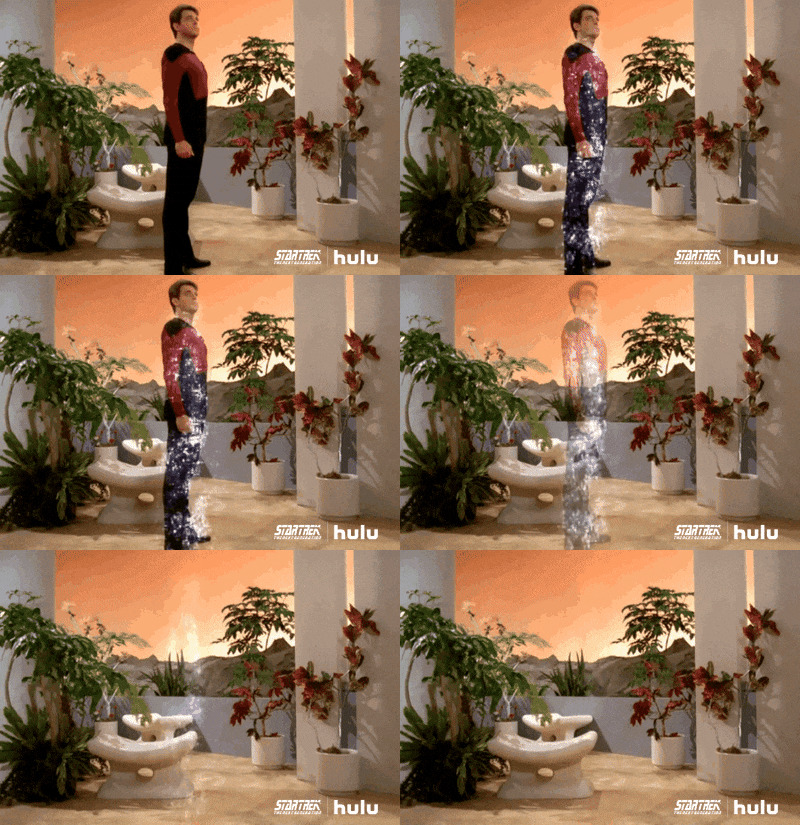
How to test Vue JS teleport and portal component
We all had this teleport issue where vue js component just renders beyond the DOM in the shadow realm and we ned to look for it all around. May or may not have an id that is more or less random. Very problematic. This is a short pos on how to use the options to test vue js teleport and portal features.
How test teleport in vue js ?
Example code below to enable testing
it('should render the expected debug copy exactly', () => {
  const wrapper = mount(ContentApp, {
    global: {
      stubs: {
        teleport: true,
      },
    },
  })
What stubbing of teleport does ?
This works rather for integration test when we need to check components made from other components. Otherwise we can just run unit tests but we still need to check if those parts are visible when they should. Stubbing of teleport vue js provides :
- Disables the real teleport behavior – disables the ‘teleporting’ stuff arond.
- The teleported content is rendered inline inside the component tree
- Nothing is actually moved to
document.bodyor another target
Why stub teleport ?
If You do not use this Your should make :
- Your test would need to deal with DOM outside the wrapper or some other shadow dom quirks.
- You might need to query
document.bodyto have access to full dom, which complicates tests.
When used in test configuration :
- Everything stays inside
wrapper - Simple access when defining asserts.

Example code
import { mount } from '@vue/test-utils'
import Navbar from './Navbar.vue'

describe('Navbar', () => {
  it('renders teleported menu content', () => {
    const wrapper = mount(Navbar, {
      global: {
        stubs: {
          teleport: true
        }
      }
    })

    // Assert normal content
    expect(wrapper.text()).toContain('Navbar')

    // Assert teleported content (now rendered inline because of stub)
    expect(wrapper.find('.menu').exists()).toBe(true)
    expect(wrapper.find('.menu').text()).toBe('Menu content')
  })
})
Read more